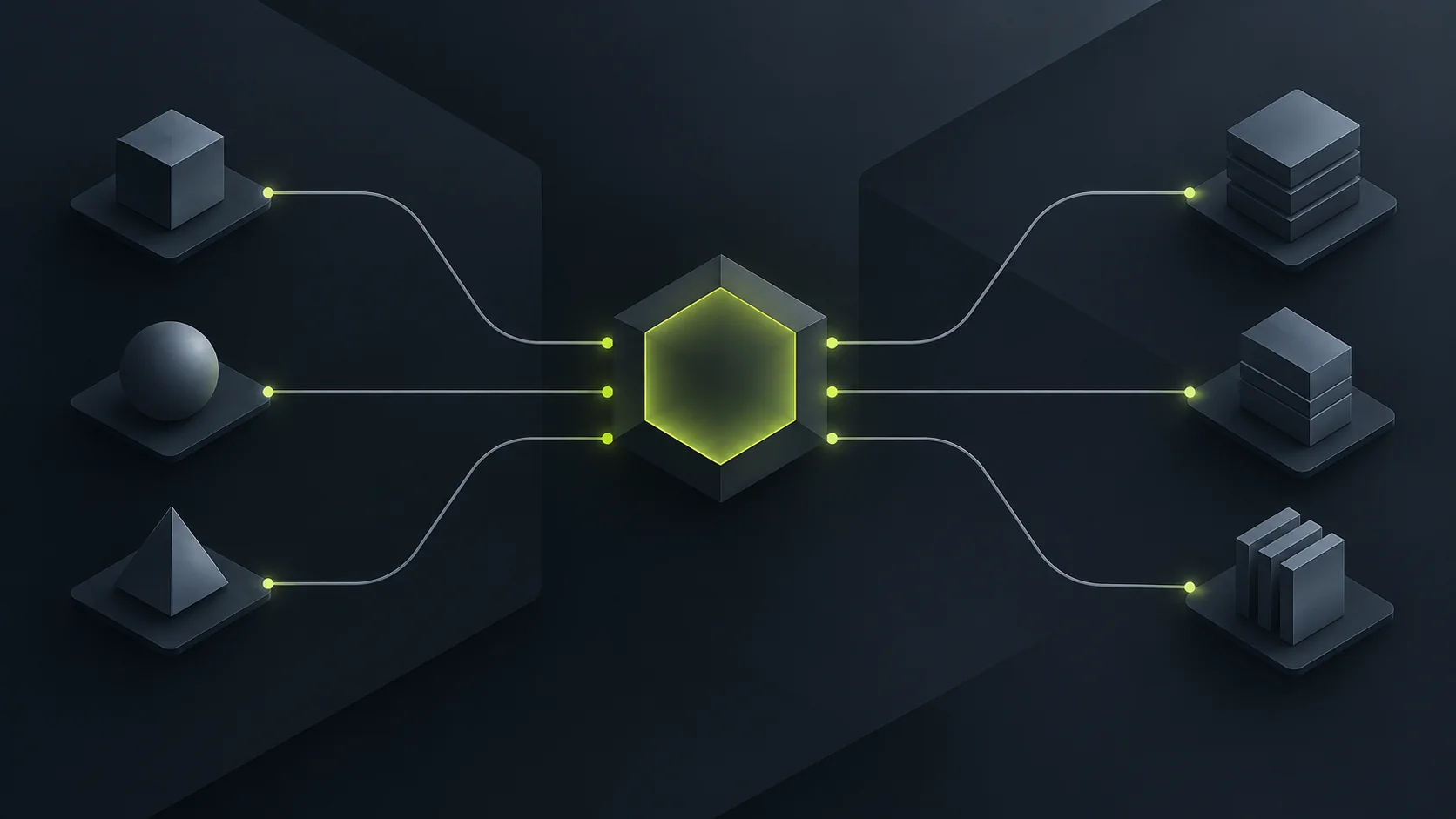
PowerHub's endpoint speaks the OpenAI, Anthropic and Google request formats, so any client that already talks to one of those providers is pointed at it by changing a base URL and a key. There is no SDK to install. The steps below take a few minutes and finish with a request you can see charged to your campaign.
Check the endpoint is up before you change anything
The health path is free and needs no key. Run it first, because if it does not answer, nothing you configure afterwards will work either.
curl https://inference.powerhub.dev/healthIt answers with an object whose ok field is true. Broader state, including any current incident, is on the status page.
Put the key in an environment variable, not in a file
Your campaign's API access page issues the key once a round has funded; opening a round is covered in how to fund your studio's AI budget on PowerHub. Copy the key straight into an environment variable called POWERHUB_API_KEY, or into whatever secret store the tool you are configuring provides.
Never paste the key into a chat with an agent, a ticket, a README or a test fixture.
Never commit it. A
.envfile is fine only when it is already in.gitignore— check, and add it if it is not.If it has been exposed, rotate it on the campaign's API access page. A rotated key replaces the old one and the old one stops working.
Leave every snippet reading process.env.POWERHUB_API_KEY rather than substituting the key itself. A key that never appears in a file cannot leak from one.
Point an OpenAI-style client at the OpenAI base URL
The OpenAI-compatible surface is https://inference.powerhub.dev/openai/v1. Any OpenAI client, official or not, needs only that base URL and the key.
curl https://inference.powerhub.dev/openai/v1/chat/completions \
  -H "Authorization: Bearer $POWERHUB_API_KEY" \
  -H "Content-Type: application/json" \
  -d '{"model":"MODEL_ID","messages":[{"role":"user","content":"Hello"}]}'
In the SDK it is the same two values:
import OpenAI from 'openai';

const client = new OpenAI({
  baseURL: 'https://inference.powerhub.dev/openai/v1',
  apiKey: process.env.POWERHUB_API_KEY,
});
Replace MODEL_ID with a model id from the models page. That page is also where each model's price is listed, and it is the only place we keep those current.
Point an Anthropic client at the Anthropic base URL
The Anthropic-compatible surface is https://inference.powerhub.dev/anthropic. The Claude SDK sends its key in the x-api-key header and the endpoint accepts it, so nothing else changes.
import Anthropic from '@anthropic-ai/sdk';

const client = new Anthropic({
  baseURL: 'https://inference.powerhub.dev/anthropic',
  apiKey: process.env.POWERHUB_API_KEY,
});
Claude Code takes three environment variables in the shell you run it from: ANTHROPIC_BASE_URL set to the Anthropic base URL above, ANTHROPIC_AUTH_TOKEN set to your key, and ANTHROPIC_MODEL set to a model id from the models page.
Point Codex at the endpoint
Codex reads a provider block from ~/.codex/config.toml. Add one for PowerHub and export the key in your shell.
model_provider = "powerhub"
model = "MODEL_ID"

[model_providers.powerhub]
name = "PowerHub"
base_url = "https://inference.powerhub.dev/openai/v1"
env_key = "POWERHUB_API_KEY"
wire_api = "responses"
Point a Google-format client at the Google base URL
The third surface is https://inference.powerhub.dev/google, and it works the same way: the client keeps its own request format and you change the base URL and the key. As with the other two, the model id comes from the models page rather than from the provider's own catalogue, because what we serve is the list on that page.
Keep the key out of the three places it usually leaks
Almost every exposed key we have seen anywhere went out through one of these, and all three are avoidable in the minute before they happen.
A chat with an agent. If you are having a coding agent configure this for you, it does not need the value. Tell it to read
process.env.POWERHUB_API_KEYand set the variable yourself in your own shell.A build log. Echoing the environment during a failing CI run prints the key into a log that is often public. Mask it in the runner's secret store rather than passing it as a plain variable.
A screenshot. The terminal you photograph for a bug report has the key in the scrollback more often than not.
If any of that has already happened, rotate the key on your campaign's API access page. Rotating issues a new key and stops the old one, so the cost of rotating is a minute and the cost of not rotating is somebody else's requests on your campaign's budget.
Send one request, then check it landed on your campaign
Run the curl above with the key set in your shell. A 200 with a completion means the key, the base URL and the model are all correct.
Then open your campaign's API access page and confirm two things: the balance moved, and the request appears in the recent requests. That is the proof the call was billed to this campaign and not somewhere else, and it is worth doing once before you wire an agent up to run unattended.
Read the error codes as they are meant
Code | What it means | What to do |
|---|---|---|
401 | The key is wrong, or it has been revoked or rotated. | Re-read the key from the campaign's API access page. |
402 | The campaign's budget is spent. | Treat it as out of budget, not as a transient failure. Retrying will not help. |
404 with model_not_priced | That model is not one we serve. | Pick a model from the models page, or request the one you want from your campaign's API access page. |
The 402 is the one that catches people out. An agent left running with an automatic retry will simply hammer a closed door, so handle it as a stop condition in anything unattended.
Questions
Do I need a different key for each provider?
No. One key per campaign reaches all three surfaces. Which model you get is decided by the model id in the request and by the base URL the client uses.
Can I use the key for a different project?
No. A campaign's key is for the work of the campaign that raised the money, and the terms say so. Do not publish it, put it in a client-side application, or hand it to anyone outside the project.
What if the model I want is not listed?
Request it from your campaign's API access page or from the models page. We answer model requests within a day, and we may decline; which providers are reachable and on what terms is set out in the third-party AI providers statement.