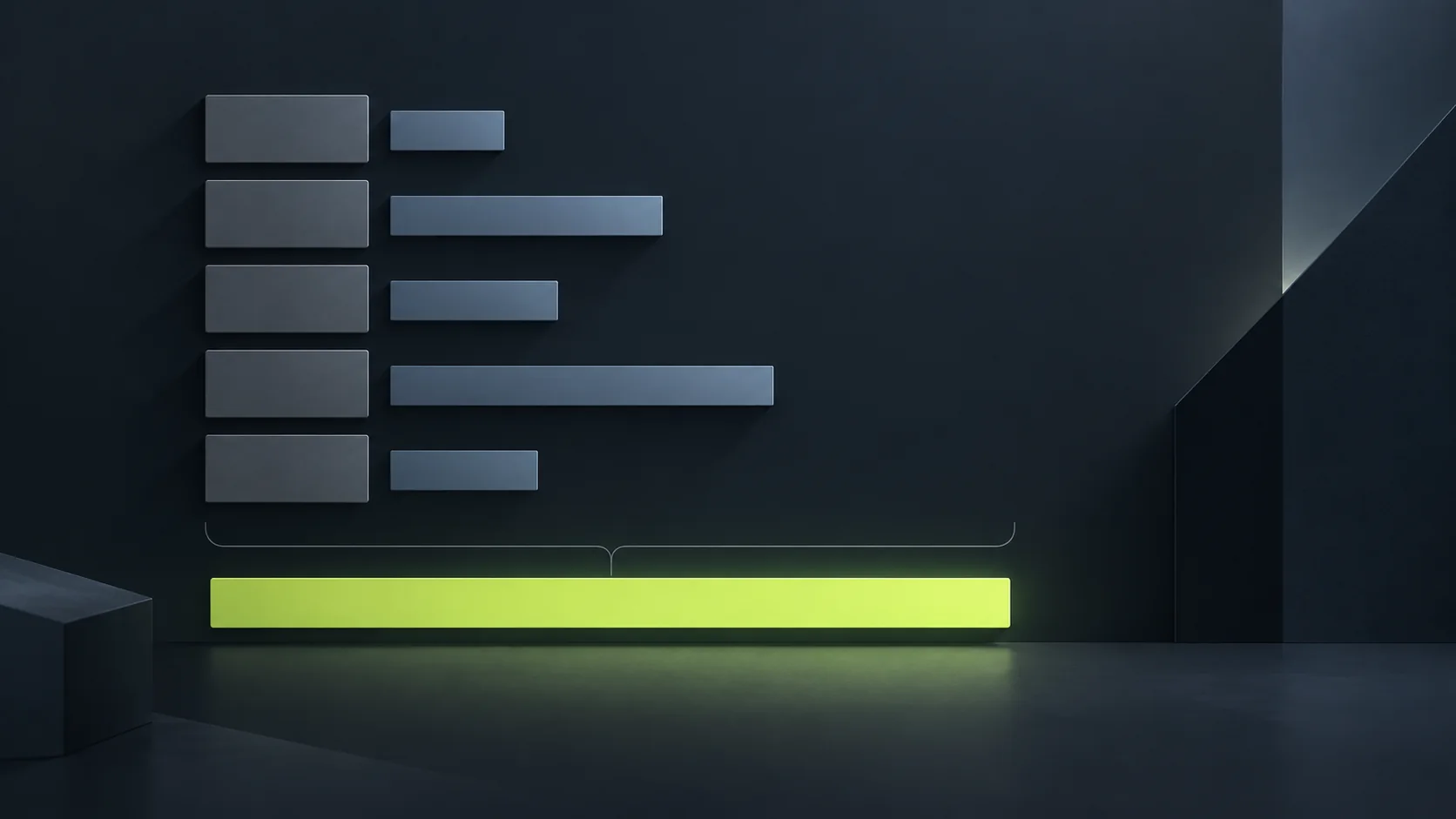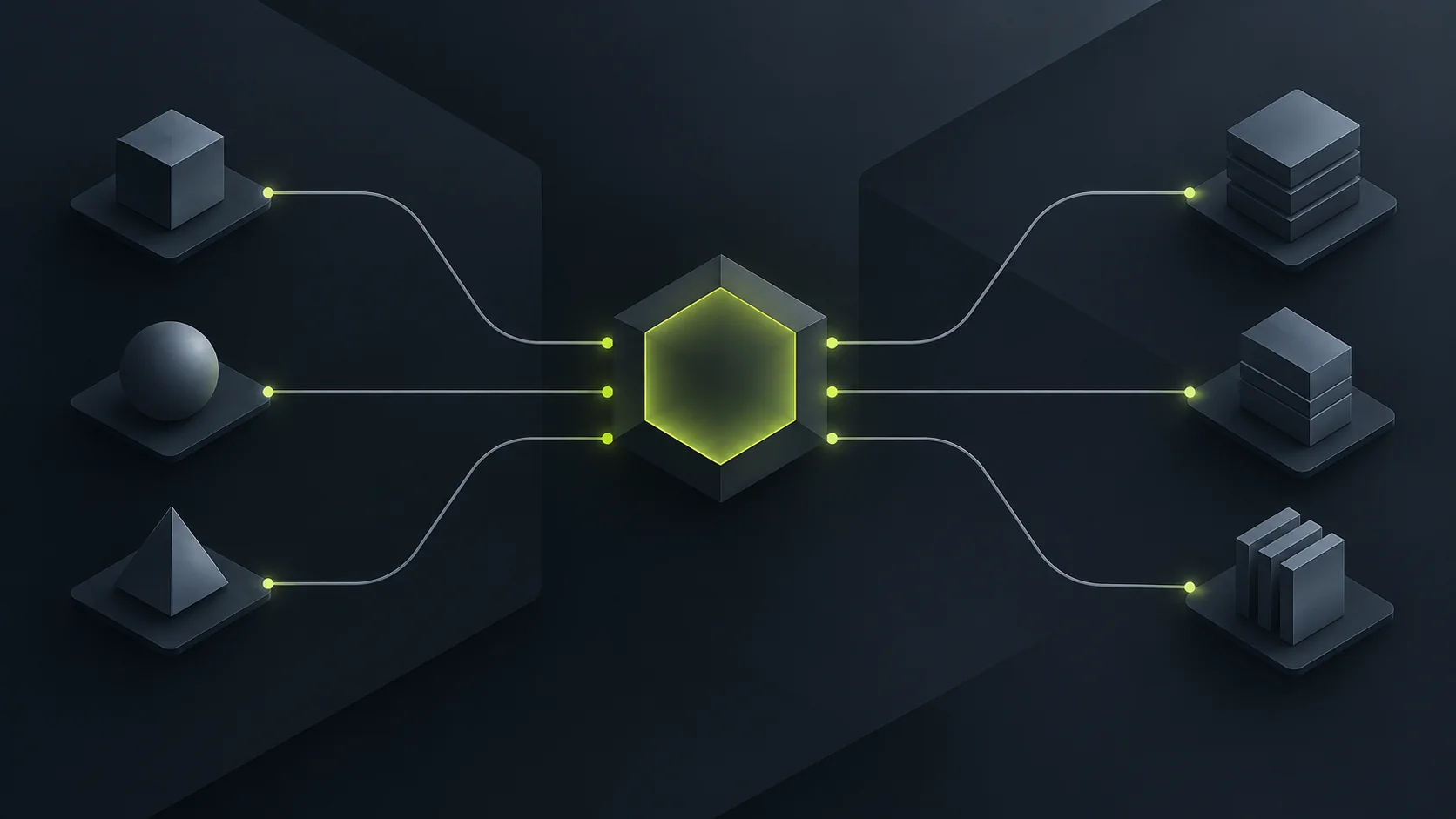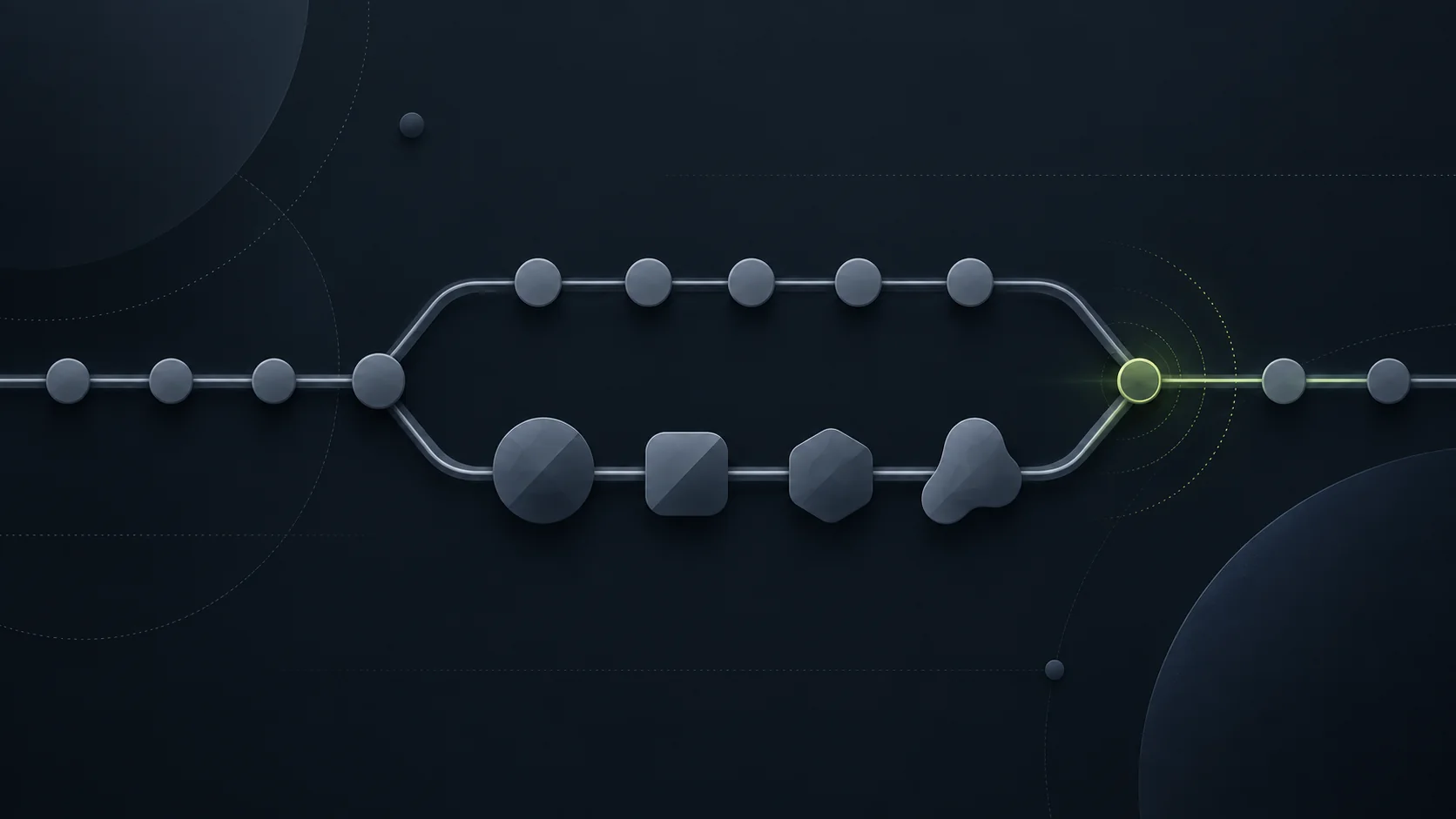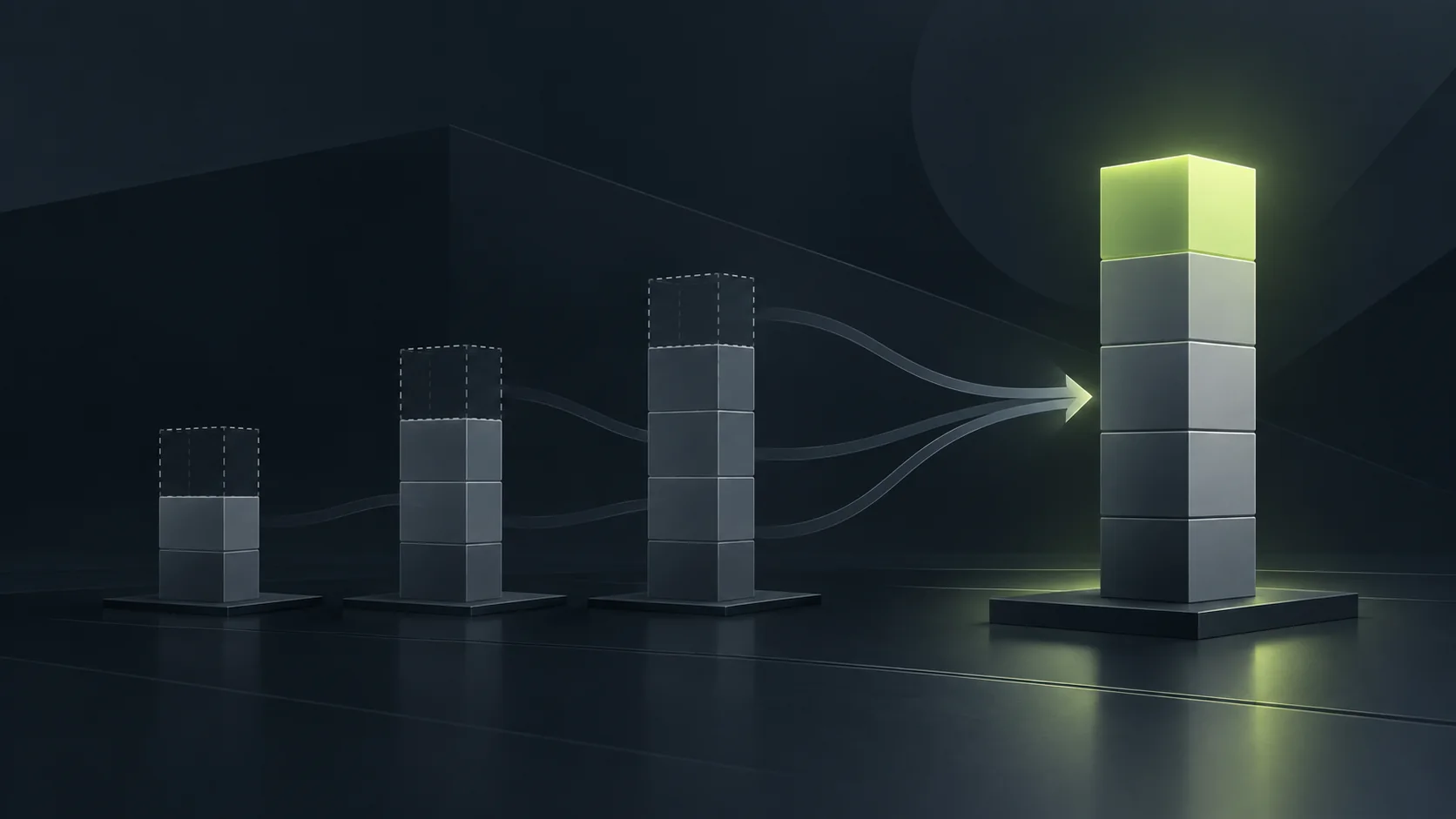
An AI budget is built from the milestone downwards: name what the round finishes, list the AI tasks inside it, estimate how many agent sessions each task takes, price those sessions from the models page, and add the passes you will throw away. The total is your goal.
Write the milestone down first
Everything else is derived from this sentence, so write it before you open a pricing page. What does this round finish, and roughly when? The next twelve levels and a build backers can play. The destruction pass for the second act. The vertical slice.
A milestone you can describe in one sentence produces a budget you can defend. A milestone that is really three milestones produces a number nobody believes, including you.
List the AI work as tasks, not as a category
Go through the milestone and write down each place an agent does work. Be specific enough that a colleague would recognise the job:
Blockouts for the new levels, directed by an artist.
Procedural setup for the destruction shots.
Variant generation for props and materials.
Export and validation passes across the build.
Dialogue or text passes that a writer then edits.
Anything on this list where the answer is a decision rather than known work does not belong on it. Those are the parts you do, and putting them in the budget will make the number wrong in both directions.
Count sessions, not prompts
Agent work inside a production tool is not one request. It is a session: the agent plans, writes the tool's script, runs it, looks at the result, corrects itself and goes again. The cost scales with iterations, which means it scales with how badly specified the task was.
For each task, estimate two numbers you can actually reason about: how many sessions you expect, and how long a typical session runs. A tightly specified repetitive setup is a short session you will run many times. An underspecified creative task is a long session you will run once and mostly discard.
Price the sessions from the models page
Take the model you would actually use for each task and read its price from the models page. That page carries the current figures for everything we serve, and it is deliberately the only place we keep them, so a number copied from anywhere else will age badly.
Two things reduce the total more than anything else. Use the cheaper model for the parts of the loop that do not need the expensive one, which in practice is most of the loop. And where a provider offers a discounted batch or cached tier for work that is not interactive, price the task there instead.
Budget for the passes you throw away. The discarded attempts are not waste, they are the method, and a budget that assumes every session lands is a budget that runs out early.
Add the passes you will throw away
The first pass is a draft. Somewhere between a third and all of it gets redone, depending on how well the task was specified, and that redoing is billed exactly like the pass that worked.
Rather than inventing a multiplier, run the smallest real version of your most expensive task before you write the campaign. One session, priced from the models page, measured. That single measurement is worth more than any rule of thumb, and it converts the rest of your estimate from a guess into arithmetic.
Turn the total into a goal you can defend
Add the tasks up. The sum is the number that goes on your campaign, and the list is what goes on the page beside it, because a backer judges the plan rather than the total.
If the sum is larger than you expected, the milestone is too big for one round. Split it, and run the smaller one first. A round that funds and produces a build is a far better position than a larger round that misses, and the whole flow for opening one is in how to fund your studio's AI budget on PowerHub.
Check it against what you can actually deliver
Last step, and it is the one people skip. Read the milestone, the budget and the schedule together as a stranger would. Does the work fit the time? Does the money buy the work? Would you back this if somebody else had written it?
If any of those is a no, fix it before you submit, because it is the same question we ask at review, and it is cheaper to answer it yourself.
Questions
What if I have never run an agent session and have no figures at all?
Run one small real task and measure it, then scale from that. If you genuinely cannot, keep the first round small: a round that funds a fortnight of work teaches you the numbers for the next one.
What happens to money the campaign does not spend?
An unspent balance stays with the campaign for its later work. It is not paid out in cash to anyone, and there is no path that converts it into a payment.
Can I raise more for the same campaign later?
Yes. A campaign can run further rounds, and a fixed round that missed its goal can be relaunched with a smaller number, with the previous backers told about it.
A pledge is a contribution to a creator's AI budget. It is not an investment, a purchase, a loan or a donation, and it buys no product.